
I still remember the sting of getting my first Google AdSense rejection email back in 2024. The vague “Low Value Content” message felt like a punch to the gut after I had spent weeks churning out over a hundred articles using automated tools. I thought I had cracked the code for infinite content generation. Instead, I had just built a large repository of useless, robotic garbage that Google threw straight into the digital trash can.
Fast forward to 2026, and the content landscape looks entirely different. Google has drawn a large line in the sand with their ongoing algorithms targeting unhelpful content. But here is the secret most amateur bloggers do not understand: Google does not hate AI content. They hate lazy AI content.
Here is the exact system I use daily to write high-quality, 100% original articles that pass strict AdSense manual reviews without breaking a sweat. If you are tired of arbitrary rejections and want to build a real, monetized blog this year, buckle up. We are going to build a machine.
The Truth About AI and AdSense in 2026
First, let us kill a pervasive myth right now. You can use AI to write articles and still get monetized. Google officially stated that they evaluate content based on the E-E-A-T frameworkExperience, Expertise, Authoritativeness, and Trustworthiness. They care about the quality of the final output, not necessarily the tool used to generate the first draft.
Think of a language model like an over-read intern. They have access to the entire library of human knowledge, but zero actual world experience. If you ask your intern to write an article on “The Best Running Shoes,” they will give you a statistically average summary of everything already on the internet. That is what causes a “Thin Content” penalty. You need the intern to do the heavy lifting of structure and research, but you have to be the editor-in-chief pushing in the actual life experience.
If you are just starting to utilize these tools, I recommend checking out my Getting Started with ChatGPT to build a solid foundation.
My current workflow operates on what I call the “Human-in-the-Loop Sandwich.” It comprises heavy AI assistance on the frontend (ideation and outlining), large human intervention in the middle (personal experience and voice), and AI assistance on the backend (polishing and formatting).
Phase 1: The Pre-Drafting Blueprint
You cannot build a sturdy house on a foundation of mud. Most people fail the AdSense test before they even open a text editor because their topic choice is inherently robotic.
Semantic Keyword Silos
Instead of finding one random keyword, I use AI tools to build “Semantic Silos.” I will ask my AI agent to map out an entire topic cluster. For example, if my core topic is “standing desks,” I do not want one generic post. I want a central pillar post supported by specific, long-tail articles.
I look for topics that require an opinion or a hands-on review. An article titled “What is a Standing Desk?” is generic fluff that any language model can spit out. However, an article titled “Why My £500 Standing Desk Wobbles on Carpet (And How I Fixed It)” demands real human experience. If your topic cannot sustain personal anecdotes, scrap it.
Manual SERP Reality Checks
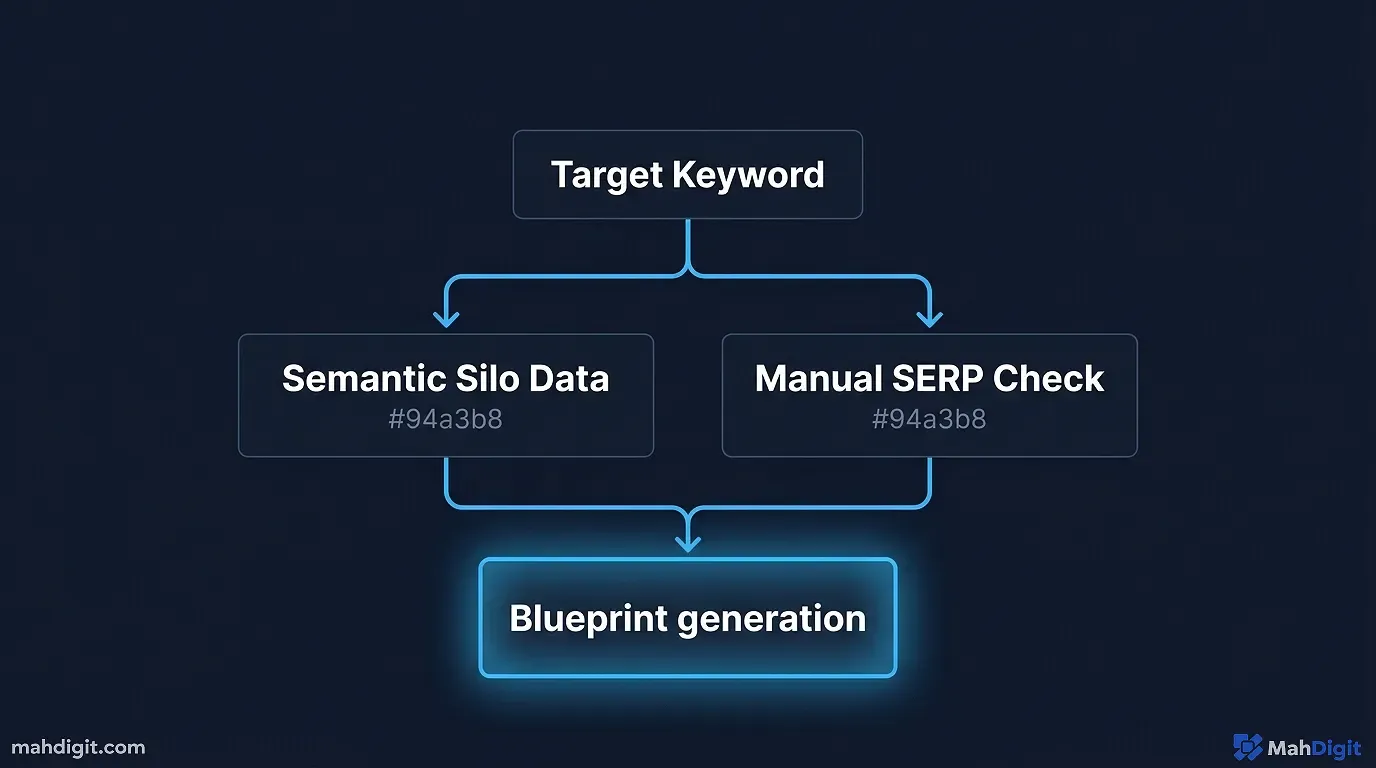
Here is where I diverge from most generic SEO advice. Before I finalize my silo, I physically type my target keywords into Google Search. I ignore the Ahrefs Keyword Difficulty score for a moment and look at the actual search engine results page (SERP).
Last month, traditional SEO tools told me a specific “AI for Notion” query was completely saturated. But when I actually looked at the SERP, the top three results were completely outdated forum posts from 2023. I saw the gap immediately. I spent three hours writing a specific, updated tutorial and it ranked within a week. Do not blindly trust keyword tools; they often trail behind reality by months.
The Outline Generation Prompts
Once I have a specific, intent-driven topic, I do not ask the AI to “write an article.” Never do this. The output will be horrible. I ask it to build an detailed outline.
Here is the exact framework I use for my outline prompt based on the strategies discussed in my AI Prompting Guide.
The Outline Master Prompt:
Act as a Senior SEO Content Strategist. I need an incredibly detailed blog post outline for the topic: [Insert Topic].

The target audience is [Insert Audience]. The goal of this article is to be the single most helpful resource on the internet for this topic, aiming for 2,500+ words.

Do NOT give me generic headings like 'Introduction' or 'Conclusion'. Every H2 and H3 must be descriptive and keyword-rich. Include sections specifically designed for me to inject personal anecdotes, comparison tables, and troubleshooting steps. Format the output with clear bullet points of what should be covered under every single heading.
When you use a prompt like this, you force the AI to think structurally. You end up with an architectural blueprint that makes the actual writing phase incredibly fast.
Phase 2: The Draft Generation (Section by Section)
This is the most time-consuming part, but it is where the magic happens. I never generate an entire 2,500-word article in a single prompt. The AI will inevitably lose the thread, start hallucinating, and regress into a robotic tone.
Instead, I generate the article section by section.
The Persona Primer
Before writing the first section, I lock the AI into a specific persona. I tell it how I write. I demand a first-person perspective, short punchy sentences, and an honest, slightly contrarian tone. I explicitly ban words that make me want to pull my hair out.
If you want to read more about setting up these customized environments, check out my comprehensive breakdown on how to Build an AI Workflow to save large amounts of time on this repetitive setup.
Section Expander Prompt
Once the persona is set, I feed it the first section from my outline.
The Section Generation Prompt:
Using the persona we established, write the content for the following section of the outline: [Insert H2 and bullet points].

Write at least 400 words for this specific section. Use formatting like bold text for emphasis. Do not use filler. Get straight to the point and provide high-density, actionable information. Mark places where personal anecdotes and screenshots should be added before publishing.
I repeat this process for every single H2 and H3 in my outline. By doing this in chunks, I maintain strict control over the narrative flow and ensure the word count naturally swells past the 2,500-word mark without stuffing it full of useless adjectives.
The Introduction Rule
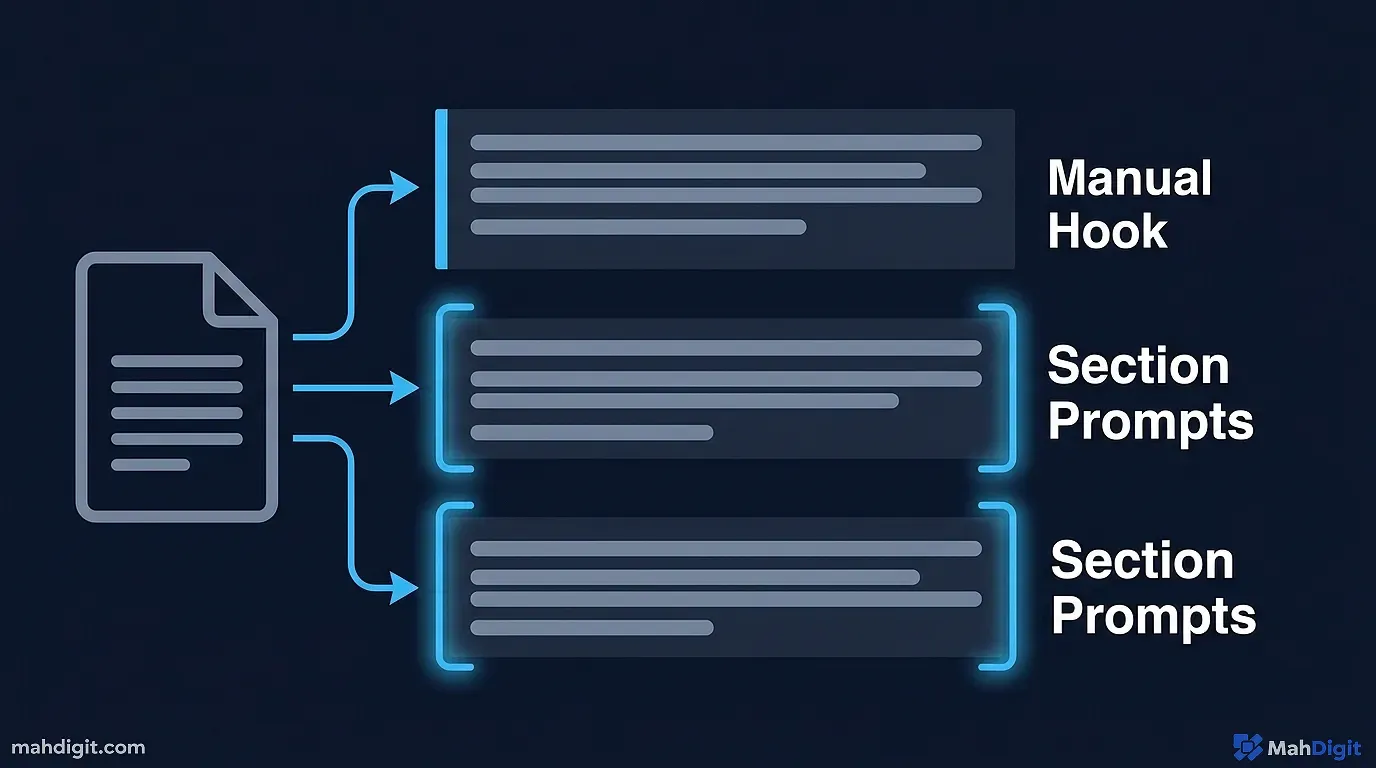
Here is a non-negotiable rule in my workflow: I write the first three paragraphs entirely by myself. I do not use an AI generated introduction under any circumstances.
Why? Because the introduction is the hook. It sets the voice for the entire piece. When Google’s manual reviewers (or their advanced algorithms) scan an article, they often make a split-second judgment based on those first few hundred words. If they see a generic opening, they assume the rest of the site is spam. I always start with a personal story, a hard statistic I researched myself manually, or a bold claim that challenges conventional wisdom.
Phase 3: The 30% Golden Rule (Manual Injection)
If you simply copy and paste the targeted sections you generated, you will still likely fail the AdSense review. The text is predictable. We need to break that predictability.
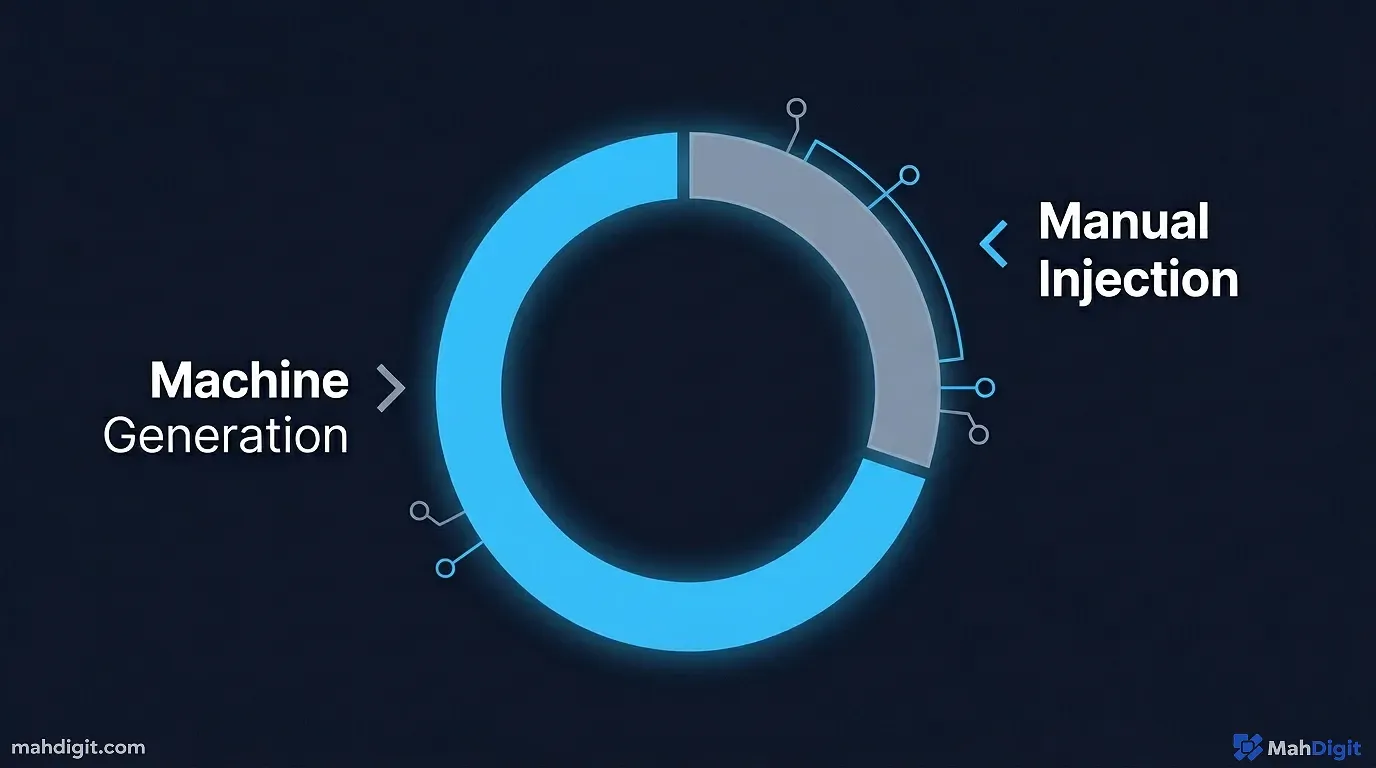
I call this the 30% Golden Rule. I mandate that at least 30% of the final word count must be completely human-generated, edited, or heavily rewritten. This is where we inject the E-E-A-T that Google requires. Google’s official documentation on AI content makes it clear that content must demonstrate original value and primary expertise.
How I Humanize the Draft
- Add Real Pain and Real Proof: I go through each draft and add real stories. If the article is about a software tool, I write about the time that tool crashed on me right before a deadline. I include screenshots I took myself.
- Fact-Check Like a Journalist: Language models lie. They will invent pricing tiers that do not exist or quote studies that were never conducted. I manually verify every single factual claim, statistic, and pricing tier. If I cannot find a source for it, I delete it.
- Format for Extreme Scannability: AI tends to write vast walls of text. I chop paragraphs down to three sentences maximum. I use bolding to highlight the core concept of every paragraph so a reader skimming down the page gets the gist instantly.
- Shatter the Rhythm: AI models prefer a very consistent, metronomic sentence length. It is boring to read. I go in and manually shatter that rhythm. I will use a one-word sentence. Like this. Then I will follow it with a large, meandering stream-of-consciousness explanation that breaks all the traditional grammatical rules just to prove a human is behind the keyboard.
- The Read-Aloud Test: This is my final sanity check. I read the entire exported draft aloud to myself. If I stumble over a sentence, or if a paragraph sounds like a corporate press release, I rewrite it on the spot. For instance, my AI once generated a section about “optimizing synergy across platforms.” I immediately deleted it and wrote “making your apps actually talk to each other without breaking” because that is how real humans speak.
This manual injection phase takes me about an hour for a 2,500-word post. It is the hardest part of the job, and it is the exact reason my sites get approved while others fail. Many creators struggle with this phase, which is why reading up on AI for Content Creators can provide additional strategies for manual refinement.
AI Humanizers and Detectors: Are They Necessary?
A large cottage industry has sprouted up around “AI Bypass” tools. You have detectors claiming they can spot AI content with 99% accuracy, and you have “humanizers” claiming they can bypass those detectors.
Are they worth it for AdSense approval?
Honestly, I think the entire category is mostly noise and I’ve tested both sides extensively. Here is my verdict based on building multiple sites in 2026.
| Category | Typical Tool Names | My Verdict | Why? |
|---|---|---|---|
| AI Detectors | Originality.ai, Winston AI, GPTZero | Useful, but flawed. | I use them as a “gut check.” If a tool says my post is 100% AI, I know I haven’t done enough manual editing. However, they frequently flag my 100% hand-written content as AI. Do not obsess over getting a perfect score. Use them to identify predictable paragraphs. Independent tests often show varying accuracy rates across different models. |
| AI Humanizers | Undetectable.ai, StealthWriter | Garbage. | I despise these tools. All they do is run your text through a thesaurus and introduce grammatical errors to trick the detectors. The resulting text is unreadable to an actual human. If you use a humanizer, you will fail the “Helpful Content” test because the content becomes actively unhelpful. |
The best “Humanizer” on the market is you sitting down with a cup of coffee and actually editing the document. Do not outsource your voice to an algorithm designed to purposely misspell words.
Technical Optimization for AdSense Approval
Content is the king of AdSense approval, but technical structure is the queen. You can write the greatest articles in the world, but if your site looks like a spam trap, the reviewers will deny you.
When you apply for AdSense, real human beings look at your site. You need to signal intense legitimacy from the moment the page loads.
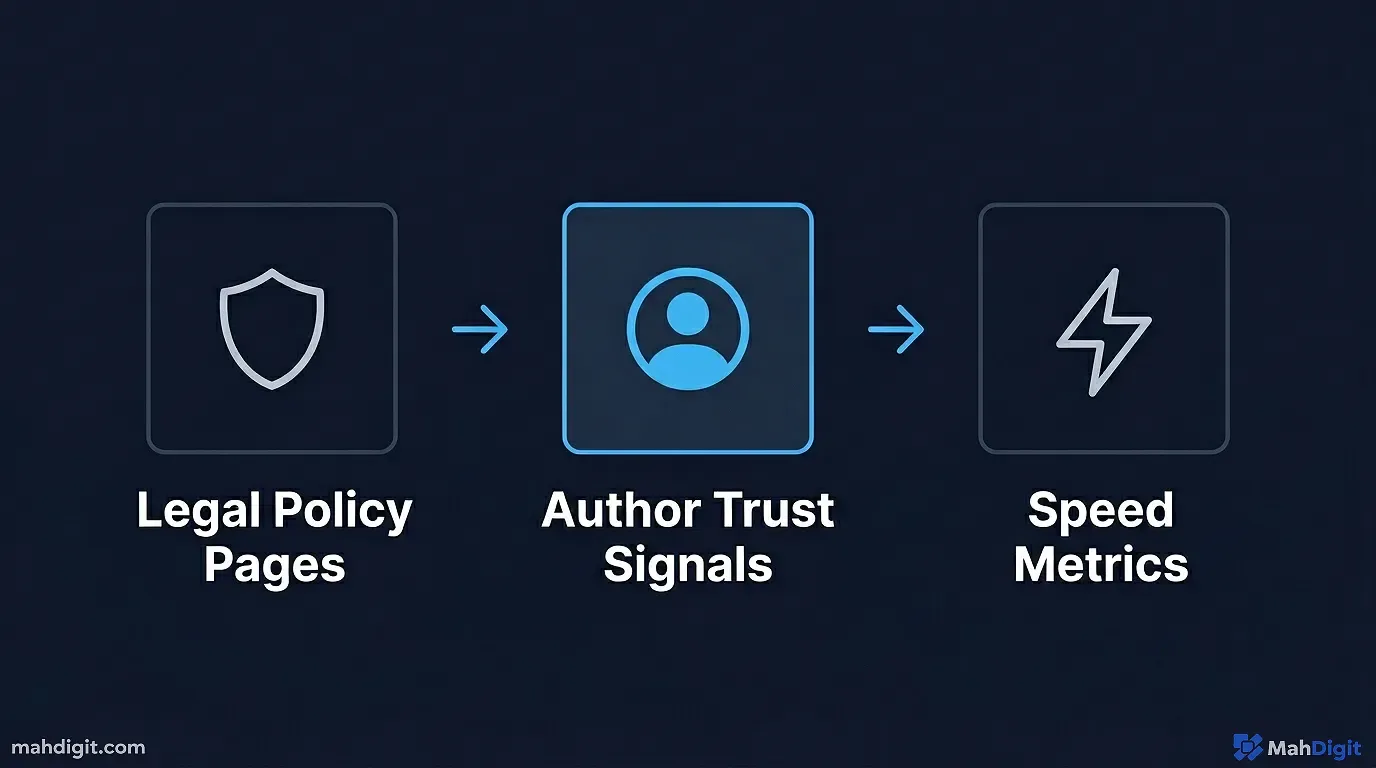
- The Core Legal Pages: You must have a Privacy Policy, a Terms of Service, a Disclaimer, and a robust “Contact Us” page. These are non-negotiable trust signals. I actually had a site rejected in 2025 solely because my “Contact Us” page was a broken mailto link instead of a proper form. I fixed the link, reapplied, and was approved 48 hours later.
- Author Bios: Every article must have a real author box at the bottom. The bio should explain why you are qualified to write about the topics on the site. If you are writing about coding, your bio better mention your background in software engineering.
- Site Speed: Slow sites get rejected. I use lightweight themes and optimize every single image. If your site takes five seconds to load on mobile, you are telling Google you do not care about user experience. I rely heavily on WebP image formats and aggressive caching plugins to keep my load times under one second.
- Intuitive Navigation: If a manual reviewer cannot easily find their way around your site categories, they will deny you for poor user experience. Make sure your menus are logically structured, and use breadcrumbs for deeper pages. Google’s own AdSense Program Policies explicitly emphasize the need for clear navigation and site organization.
If your technical house is not in order, the quality of your workflow does not matter.
Common Mistakes Beginners Make
When I consult with creators who are stuck in the “Low Value Content” rejection loop, I see the exact same errors occurring repeatedly.
- The “One-Click Wonder” Trap: Believing you can press a button and get a publish-ready article. This stopped working years ago. Anyone trying to sell you a script that builds a profitable site with zero effort is lying to you.
- Publishing Thin Content: Launching a site with ten 500-word articles. You need a mix of content, but having large, authoritative 2,500+ word guides proves to Google you are investing serious effort. I aim for at least 30 deep posts before I even apply. I prefer to delay my application by two weeks to ensure I have a robust library rather than rush it and face a 30-day review penalty.
- Ignoring Search Intent: Writing beautifully humanized articles about topics nobody is searching for, or answering a question poorly. If someone searches for “How to fix XYZ,” they want troubleshooting steps, not a history of XYZ. I regularly scrap 2,000 words into the trash if I realize halfway through drafting that I am not actually solving the user’s specific problem.
- Zero Real Media: A site with only stock images from Unsplash looks cheap. Take photos on your phone. Take screenshots of your computer. Draw terrible diagrams in MS Paint. Unique imagery is a large trust signal.
Key Takeaways
Creating an AdSense-safe workflow is not about tricking the system. It is about using AI to eliminate the blank page syndrome so you can focus entirely on providing unique human value.
- Google penalizes lazy content, not AI content. Quality and E-E-A-T always win out over the tools used to draft the article.
- Generate an detailed outline first. This prevents the AI from rambling and ensures deep, structured coverage of a topic.
- Use the “Section Expander” method. Generate the draft piece by piece to maintain narrative flow, enforcing your customized persona guidelines.
- Write the introduction yourself. The first few paragraphs dictate the tone and are critical for passing human manual reviews.
- Spend your time on the 30% Golden Rule. Manually inject personal anecdotes, fact-check everything thoroughly, and format the text for scannability.
- Avoid “AI Humanizer” spin tools. They degrade the quality of the writing and actively hurt your chances of satisfying the Helpful Content guidelines.
- Technical trust signals matter. Do not apply for monetization without comprehensive legal pages, real author bios, and a fast, responsive site layout.
Build the machine. Put in the hours on the editing floor. The AdSense approvals will follow naturally once you stop trying to bypass the work and start focusing on the reader. For more strategies on building a sustainable AI content system, check out my guide on building an AI workflow and automating social media with AI.
