
I use all three of these tools regularly sometimes in the same hour. After running them through the same tasks over the better part of six months, I’ve developed a pretty clear picture of where each one wins, where it struggles, and which type of user should reach for it first.
This is not a spec sheet comparison. You can find the context window sizes and parameter counts on Wikipedia. What I’m giving you here is the practical difference: when you sit down to do real work, which tool actually gets you there faster?
Quick note before we start: pricing changes frequently. Everything here was accurate as of early March 2026 always check the official sites before making purchasing decisions.
How I Tested
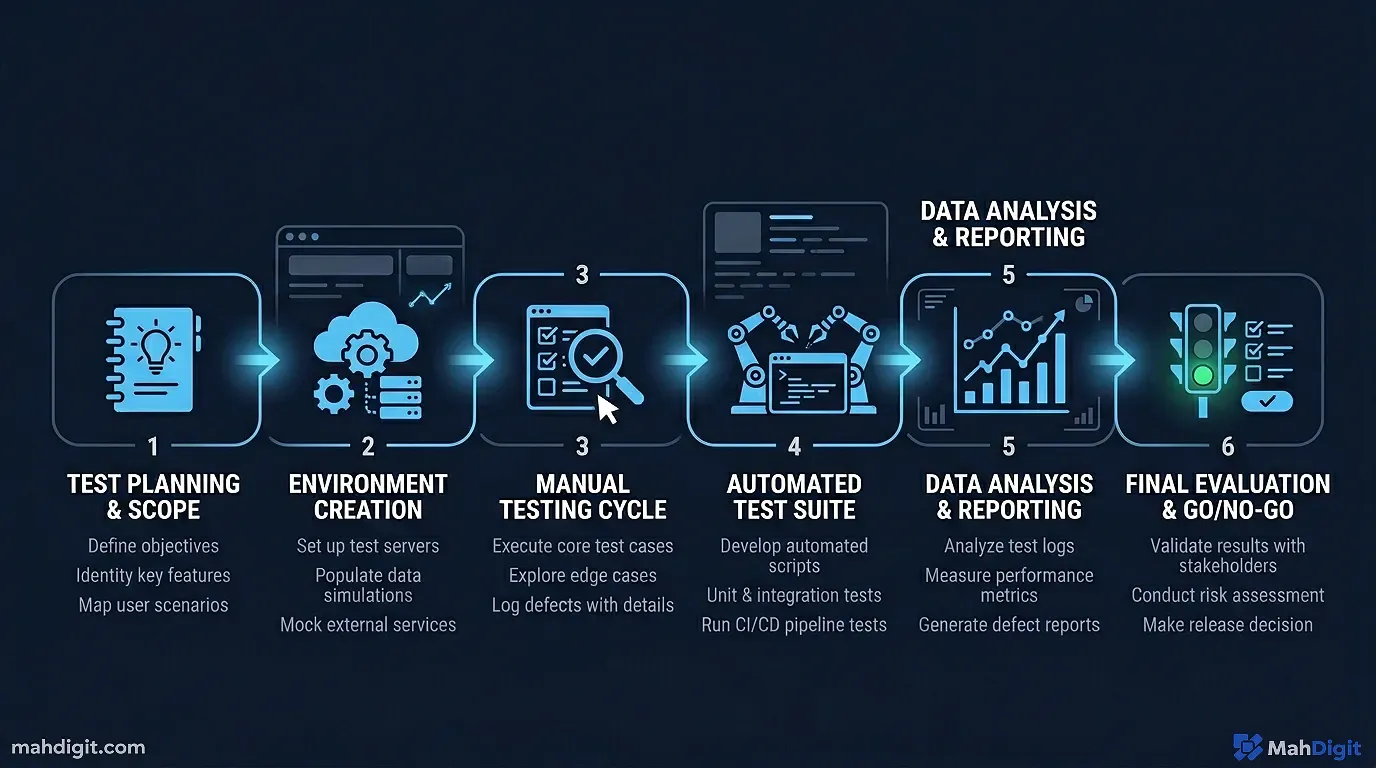
Same 10 tasks, all three tools, logged over six months of actual work:
- Writing a cold outreach email
- Summarizing a 3,000-word client document
- Analyzing survey data and identifying trends
- Writing a 500-word blog post introduction
- Debugging a Python function
- Brainstorming product names (30 ideas)
- Researching a topic and synthesizing key points
- Editing a rough draft for clarity
- Creating a meeting agenda from bullet notes
- Explaining a technical concept to a non-technical audience
I scored each on quality of first output, accuracy, how much iteration was needed, and how often I used the result without significant editing.
ChatGPT The Swiss Army Knife
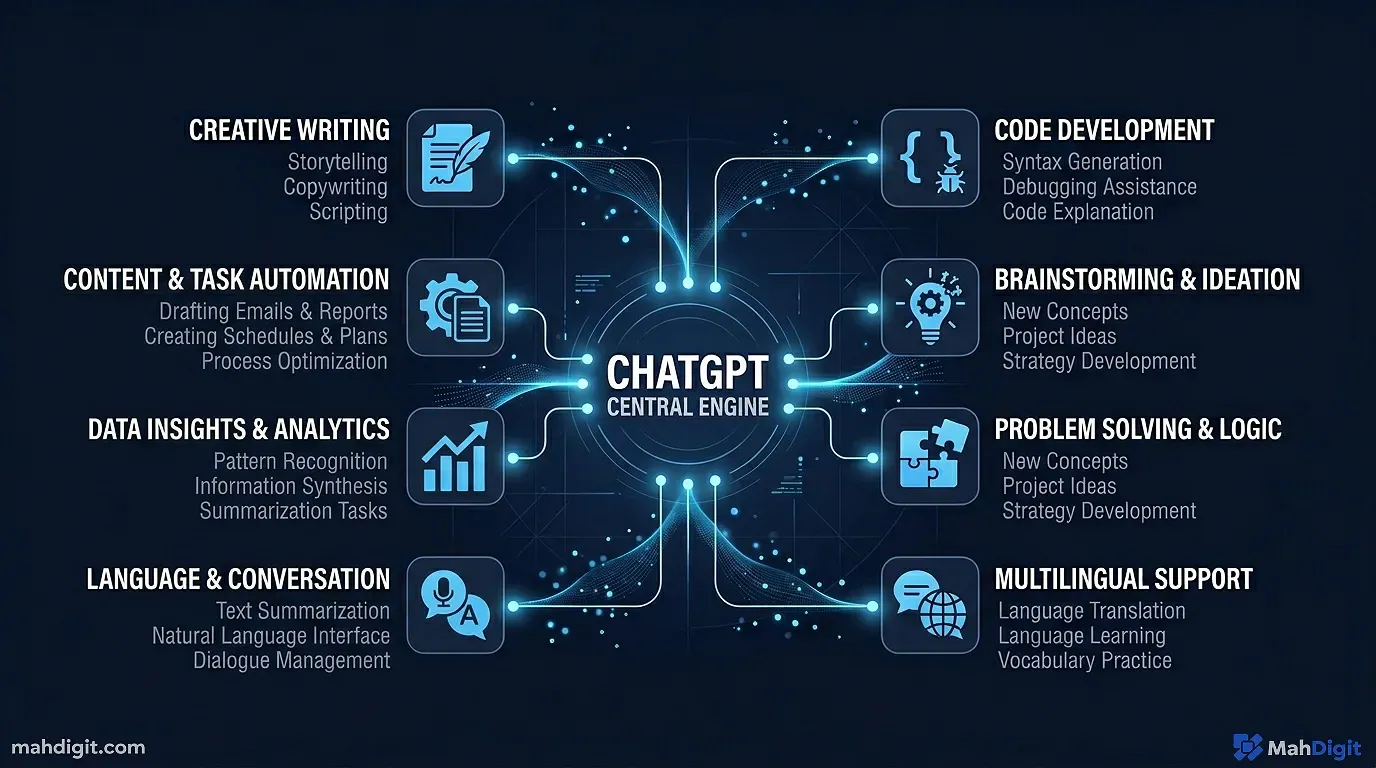
ChatGPT (specifically GPT-4o and GPT-4o mini) is the most versatile of the three. It’s where most people start, and for a lot of tasks, it’s where they should stay.
What ChatGPT Does Best
Brainstorming and creative tasks. Ask ChatGPT to generate 30 product name ideas and you’ll get 30 genuinely different ideas, most of them usable. In my testing, it produced the widest variety in creative tasks Claude tends to be more refined but sometimes more predictable.
Quick tasks and iterating rapidly. GPT-4o mini is fast. For something like “turn these five bullet points into a meeting agenda,” it’s almost instant and usually good on the first try.
Plugin ecosystem and integrations. If you’re already using tools like Zapier, Notion, or various productivity apps, ChatGPT has the most mature integration layer. Custom GPTs (fine-tuned versions for specific tasks) are genuinely useful once you find the right ones.
Browsing and real-time search. The web browsing feature is built in and works reasonably well. If you need current information recent pricing, news, just-released features ChatGPT can pull it.
Where ChatGPT Falls Short
Long documents. Give ChatGPT a 30-page research paper and ask it to synthesize the key arguments. You’ll get something but Claude handles this significantly better. ChatGPT tends to lose coherence or skip sections when processing very long inputs.
Instruction following on complex prompts. If you give ChatGPT a prompt with seven specific requirements, it often nails five and quietly forgets two. This is frustrating when precision matters.
ChatGPT Pricing
- Free: GPT-4o mini (fast), limited GPT-4o access
- Plus ($20/month): Full GPT-4o access, higher rate limits, image generation, file uploads, advanced data analysis
- API: Pay-per-token useful if you’re building automations
Claude The Best Writer at the Table
Honest take: if writing is a significant part of your work, Claude should be your primary tool. It’s not always first in my hands, but when quality of writing matters, it usually wins.
What Claude Does Best
Long-form writing and coherent articles. Claude maintains tone, structure, and argument consistency across 2,000+ word pieces in a way ChatGPT often doesn’t. I’ve run them both on the same article brief: Claude’s output needs less editing.
Following complex, multi-part instructions. Give Claude a prompt with eight specific requirements and it’ll hit all eight. It has a noticeably better ability to hold multiple constraints simultaneously.
Nuanced analysis. When I gave all three tools a subtle argument to evaluate (something where the right answer requires noticing what’s not said), Claude caught the nuance most reliably. ChatGPT gave a decent surface response; Claude went deeper.
Large context window. Claude’s context window (up to 200K tokens on Claude 3.5 Sonnet and newer models) means you can paste entire books, full codebases, or large documents and it’ll actually process them properly. This is a genuine practical advantage.
Where Claude Falls Short
No real-time browsing (by default). Unless you’re using a version with web access, Claude’s knowledge has a cutoff. For current events or pricing, you need to paste in any context it doesn’t already have.
Less plugin/ecosystem depth. Claude doesn’t have the same marketplace of integrations and custom tools that ChatGPT has built up.
Sometimes overly cautious. More so than ChatGPT, Claude occasionally refuses tasks or adds unsolicited caveats. Annoying when you’re trying to write a fictional conflict scene or anything adjacent to sensitive topics.
Claude Pricing
- Free: Claude 3.5 Haiku with rate limits
- Pro ($20/month): Claude 3.5 Sonnet full access, higher limits, Projects feature for organizing contexts
- API: Competitive pricing per token the API is excellent for automation
Gemini Google’s Bet on Integration
Gemini (formerly Bard) has improved substantially over the past year. It’s not where I’d send most people first, but it has specific strengths that make it genuinely useful in the right context.
What Gemini Does Best
Google Workspace integration. If you live in Google Docs, Gmail, Sheets, and Calendar, Gemini is increasingly embedded into all of it. Summarizing a long email thread in Gmail, generating a first draft in Docs, creating a formula in Sheets these are genuinely convenient when the AI is right there in the tool you’re already using.
Multimodal capabilities. Gemini handles images, documents, and text together in a way that’s natural to use. You can describe what’s in an image, extract text from a photograph, or have a conversation that mixes media types.
Research with sourcing. For research-style queries, Gemini often includes source links, which is useful for verification. It’s not as reliable as Perplexity for deep research, but better than ChatGPT for knowing where the information came from.
Where Gemini Falls Short
Output consistency. This was my main frustration through testing. Gemini is more variable than the other two sometimes it produces excellent output on the first try, sometimes the same prompt gives something average. ChatGPT and Claude felt more predictable.
Writing quality for longer content. For the blog post introduction task, Gemini consistently came third. The output was correct and readable, but the writing felt more generic.
Catching up on the ecosystem. Gemini is still behind ChatGPT and Claude in terms of third-party integrations, fine-tuned custom models, and developer adoption.
Gemini Pricing
- Free: Gemini (standard model)
- Advanced ($20/month with Google One AI Premium): Gemini 1.5 Pro, integration with Workspace apps, longer context
- API: Available through Google Cloud
Head-to-Head Comparison
| Feature | ChatGPT | Claude | Gemini |
|---|---|---|---|
| Pricing (paid tier) | $20/mo | $20/mo | $20/mo (Google One) |
| Context window | 128K tokens | 200K tokens | 1M tokens |
| Best for | Creative tasks, quick queries, integrations | Long writing, analysis, nuanced follow | Google Workspace users, multimodal |
| Real-time browsing | Yes Yes | Limited Limited | Yes Yes |
| Free tier quality | Good | Good | Good |
| API availability | Yes Yes | Yes Yes | Yes Yes |
| Mobile app | Yes Strong | Yes Good | Yes Good |
| Output consistency | High | Very high | Medium |
| Ecosystem/integrations | Best | Growing | Google Workspace |
Which One Should You Pick?
Rather than declaring a winner because there isn’t one for every use case here’s how I’d think about it by role:
If you’re a freelancer or content creator: Start with Claude for client work and writing. Use ChatGPT for quick tasks and brainstorming. Skip Gemini unless you’re Google-first.
If you’re a knowledge worker or manager: ChatGPT Plus covers 80% of your needs. Add Claude when you’re doing heavy writing or analysis.
If you’re a developer: Claude is exceptional for code review and explanation. ChatGPT is great for generating boilerplate and iteration. Both have solid API access.
If you’re embedded in Google’s ecosystem: Gemini Advanced makes sense the Workspace integration alone can justify the cost.
If you’re a student: The free tiers of all three are solid. Start with ChatGPT (widest coverage of topics and tasks), then try Claude for longer writing assignments.
My Personal Setup
I use all three, which I know sounds like a cop-out but it’s genuinely true and each serves a different purpose.
I brainstorm in ChatGPT it’s fast, creative, and good at generating lots of options quickly. I write in Claude for anything I care about the quality of, Claude is my first stop. I research in Perplexity (which isn’t covered here but is worth checking out see our Perplexity AI Review for the full picture).
Gemini fills in for Google Workspace tasks when I’m in Gmail or Docs and want to stay in the flow.
The best stack isn’t one tool. Use what fits the job.
Common Mistakes When Choosing Between Them
Picking based on hype. ChatGPT gets the most press; that doesn’t make it the best for your specific use case.
Using only free tiers and judging from there. The paid tiers unlock substantially more capability. If your work is genuinely benefiting from even a free tier, the $20/month upgrade usually pays for itself quickly.
Expecting one prompt to reveal the winner. Test them on tasks that look like your actual work, not on clever test prompts from Reddit. The difference shows up over weeks of use, not one comparison session.
Key Takeaways
All three tools are genuinely capable, and the right one depends on your specific workflow, not any global ranking.
- ChatGPT wins on versatility, ecosystem, and brainstorming speed
- Claude wins on writing quality, instruction-following, and long-document handling
- Gemini wins on Google Workspace integration and multimodal tasks
- All three free tiers are worth trying before paying
- The real advantage comes from knowing which tool to reach for that comes from actual daily use, not specs
Related Articles
- How to Automate Social Media Posts with AI
- Best Free AI Tools in 2026: What You Actually Get
- How to Build an AI Workflow That Saves 10+ Hours a Week
What’s Next
- If you’re new to AI tools entirely, start with Getting Started with ChatGPT: A Practical First-Week Guide before going deep on comparisons
- The AI Prompting Guide applies to all three tools better prompts, better results across the board
- Want to see the full landscape of tools? Best AI Tools for Productivity in 2026 covers the complete stack
Questions about your specific setup? Reach out always happy to help you figure out what actually makes sense for your use case.
External Resources
- OpenAI ChatGPT Overview official pricing and feature breakdown for current ChatGPT plans
- Anthropic Claude Overview official Anthropic model capabilities page
