Grammarly used to fix your commas. Now it rewrites your paragraphs, adjusts your tone to match the recipient, and offers to draft full emails from scratch. That’s a significant evolution and one worth examining critically, because the marketing around AI writing tools tends to be significantly more optimistic than the actual experience.
I’ve used Grammarly since the early days. More recently, I spent two months specifically testing the AI generative features that were added (and improved) throughout 2025. Here’s what I found.
What’s Actually New in Grammarly AI
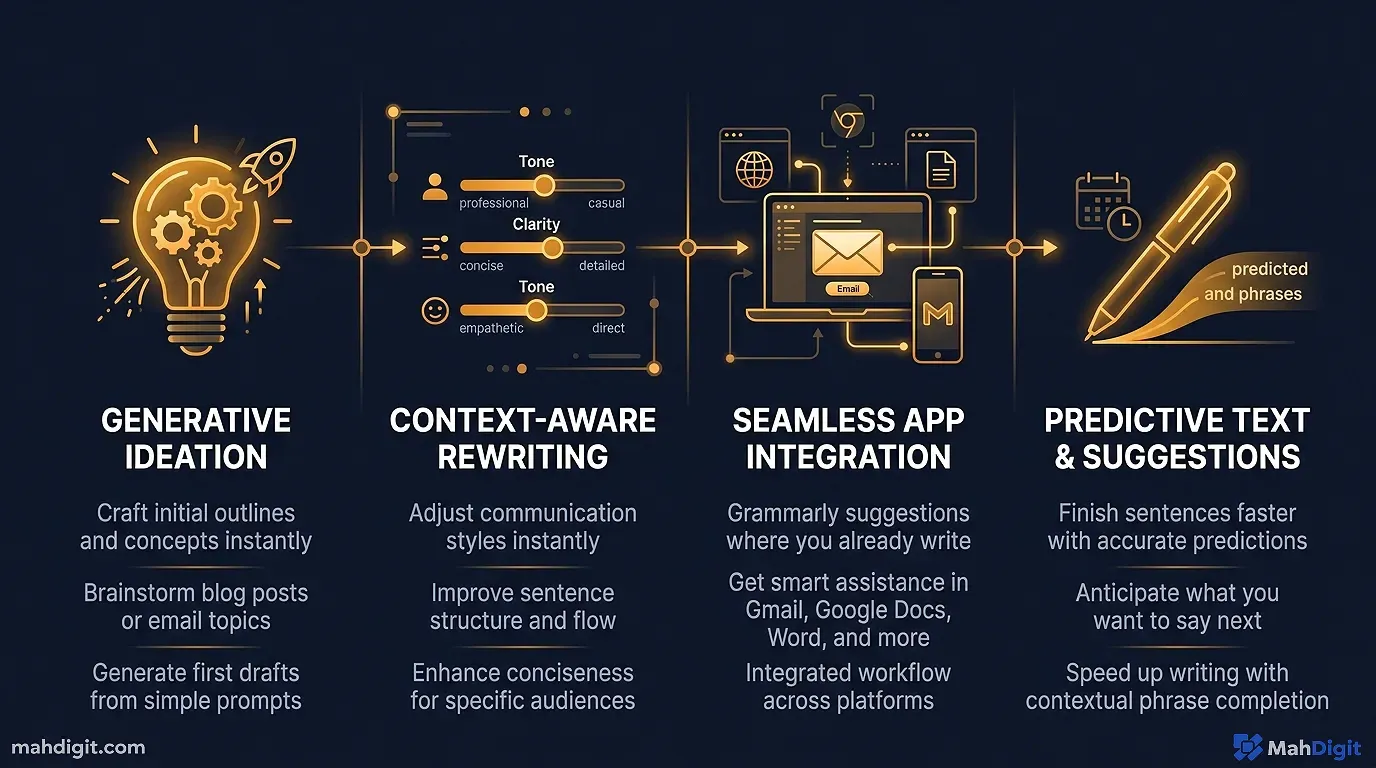
If you haven’t used Grammarly in the past year, here’s what’s changed beyond the classic grammar and spell check:
Rewrite entire paragraphs. Highlight text, ask Grammarly to rewrite for clarity, conciseness, or a different tone. The rewrites are often genuinely better than the original.
Tone detection and adjustment. Grammarly analyzes your text’s current tone (confident, formal, friendly, etc.) and lets you adjust it. This is particularly useful for emails where tone matters more than content.
Generative drafting. Type a brief description and Grammarly will draft an email, message, or document section. This is available in the Grammarly keyboard on mobile and in the browser extension.
GrammarlyGO. The AI assistant layer that responds to prompts within your document improve this, make it shorter, make it more formal, explain this differently.
All of this is accessible through the same browser extension and apps you may already be using.
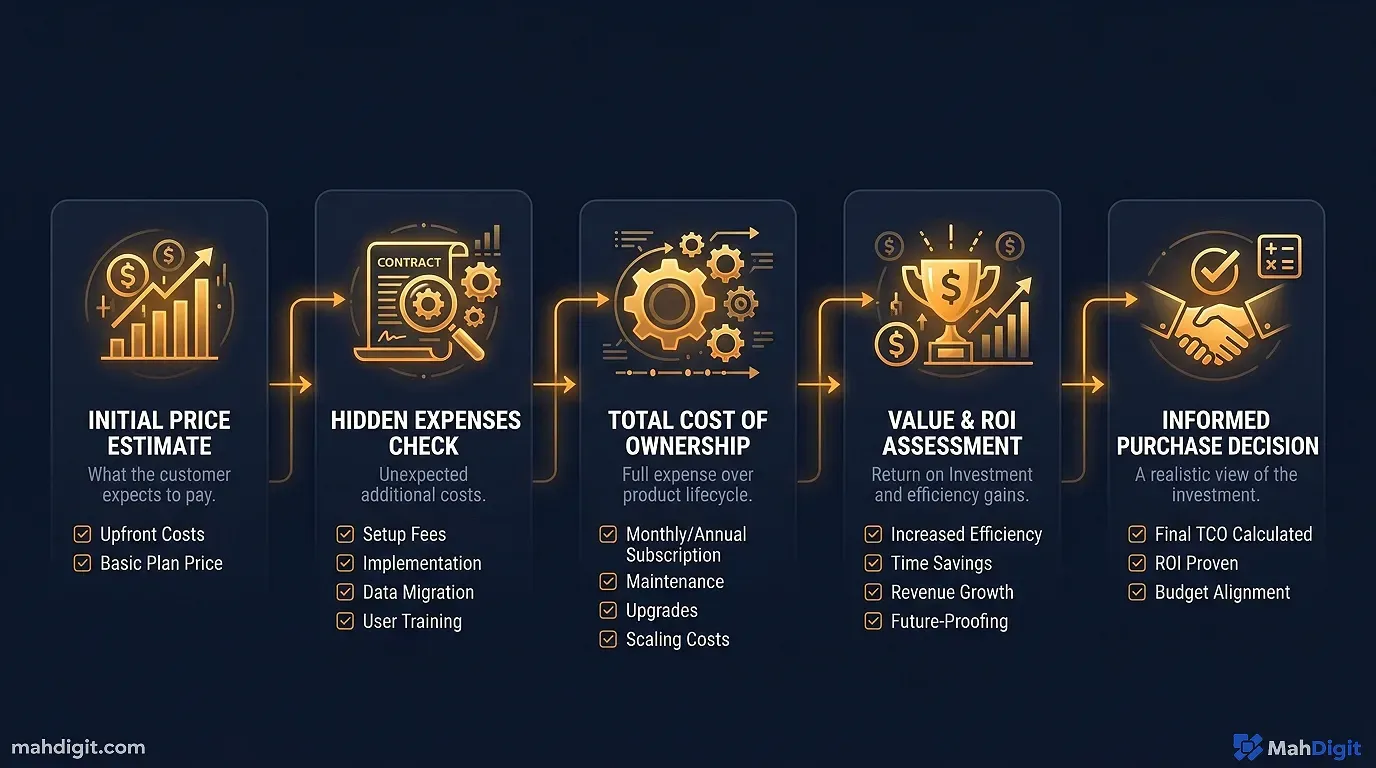
Pricing Reality Check
| Plan | Price | What AI Features You Get |
|---|---|---|
| Free | $0 | Grammar, spelling, basic suggestions no AI generation |
| Premium | ~$12/mo (annual) | Full GrammarlyGO, rewrites, tone adjustment, generative drafting |
| Business | ~$15/mo per member | Everything in Premium + team analytics, style guides, brand tone |
| Enterprise | Custom | SSO, security controls, admin features |
The important thing to know: the AI generative features are Premium or above. If you’re on free and wondering why you’re not seeing the AI writing features, that’s why.
Word count limits on GrammarlyGO apply at some tiers relevant if you’re generating long content regularly.
What Grammarly AI Does Well
Email Polish and Tone
This is Grammarly’s strongest AI use case. You write a rough draft email and Grammarly flags not just grammar issues but tone mismatches sentences that come across more sharply than intended, or overly formal phrasing in what should be a casual exchange.
The tone adjustment feature is practical. Click “Make more direct” or “Make more friendly” on specific passages and the rewrite is usually accurate. I tested this on about 30 real emails and found maybe 70% of the rewrites useful without further editing.
For non-native English speakers specifically, this feature is enormously valuable. Getting tone right in a second language is significantly harder than getting grammar right, and Grammarly’s tone awareness catches things that pure grammar checking misses.
Quick Rewrites for Clarity
Paste in a convoluted paragraph the kind you write when you know what you mean but can’t quite express it and ask Grammarly to rewrite for clarity. The outputs are usually tighter and more readable.
I use this for any paragraph I’ve reread three times and still find clunky. It saves the “I know this isn’t right but I can’t figure out why” time.
Browser Integration The Real Advantage
What makes Grammarly different from using Claude or ChatGPT for writing help: it lives in your browser and works everywhere. It’s running while you type an email in Gmail, comment on a document in Google Docs, write a response in LinkedIn, or draft a post in your CMS.
That ambient, always-on presence is genuinely valuable. I don’t have to copy text into a separate tool, run a prompt, and paste back. The suggestions appear inline as I write.
Where Grammarly AI Falls Short
Long-Form Generation
Asking Grammarly to generate a full blog post or a detailed report from scratch produces mediocre results. The output is grammatically correct and structurally sound but flat, generic, and lacking the depth and voice that Claude or ChatGPT produce for the same task.
Grammarly is built for editing and enhancement, not for substantial content generation. Trying to use it as a primary writing generator means fighting against what it’s designed for.
Can Be Overaggressive
Grammarly’s suggestions are prolific. On some drafts, every other sentence gets flagged. Not all the suggestions improve the text some flatten style or remove intentional choices. The interface requires you to actively dismiss suggestions you disagree with, which becomes fatiguing on longer documents.
In my experience, about 60% of Grammarly’s suggestions improve the text. The other 40% are either neutral or actively worse. Developing a feel for which suggestions to accept takes time.
Style Fighting
If you have a deliberate writing style short fragments for emphasis, conversational asides, unconventional structure Grammarly will frequently flag these as issues. It’s calibrated toward standard, conventionally “correct” writing, which isn’t always the goal.
You can tell it to stop flagging certain things, but it requires configuration per-document.
Grammarly AI vs. ChatGPT for Writing Work
This is the question most people considering Grammarly Premium are actually asking.
| Task | Grammarly | ChatGPT/Claude |
|---|---|---|
| Grammar and spell check | Yes Superior | Limited (copy-paste needed) |
| Tone adjustment on existing text | Yes Better (inline, seamless) | Limited (capable but more friction) |
| Email polishing | Yes | Yes Both good |
| Long-form content generation | No | Yes Significantly better |
| Always-on in-browser assistance | Yes | No |
| Citation and fact awareness | No | Limited Mixed |
| Cost | $12/mo | $20/mo |
The right mental model: Grammarly is a writing refiner; ChatGPT/Claude are writing generators. If your work involves significant writing that you need help making better, Grammarly is valuable. If you primarily need to generate first drafts from scratch, a dedicated AI model does it better.
Many people I know use both: Claude or ChatGPT to draft, Grammarly to polish. The combination is genuinely effective.
Who Should Use Grammarly in 2026?
Strong Yes:
- Non-native English speakers who want real-time tone and grammar support
- Professionals who write high-stakes emails daily (sales, client management, legal)
- Teams that want consistent brand tone across communications (Business plan)
- Anyone who wants ambient writing assistance without switching tools
Probably Not:
- Writers who prioritize voice and style over convention (it’ll frustrate you)
- People whose primary AI need is generating long-form content from scratch
- Budget-conscious users who already have ChatGPT Plus or Claude (significant overlap)
- Developers who don’t write much prose in their workflow
Common Mistakes With Grammarly AI
Accepting all suggestions by default. Grammarly is a tool, not an authority. Read each suggestion, decide consciously, and override when your original was better.
Using it for content generation. It’s designed for enhancement, not creation. Using it to generate a 1,500-word article from scratch will disappoint you.
Ignoring the tone detection. The tone analysis sidebar is underused. It’s genuinely useful for communication-heavy roles check it before sending anything important.
Key Takeaways
Grammarly AI has evolved meaningfully and is worth reconsidering if you last tried it a few years ago. It’s still not a general-purpose AI tool, but for what it does real-time writing enhancement in your browser nothing else does it as seamlessly.
- Best use cases: Email tone, real-time grammar, paragraph rewrites, non-native English
- Skip if: Primary need is long-form content generation
- Pairs well with: Claude or ChatGPT (generate) + Grammarly (refine)
- Free tier: Useful for grammar; Premium required for AI features
- Verdict: Worth $12/month for writing-heavy professionals; optional for everyone else
Related Articles
- How to Build an AI Workflow That Saves 10+ Hours a Week
- Claude AI Review 2026: The Best AI for Writing?
- Getting Started with ChatGPT: A Practical First-Week Guide
What’s Next
- For AI tools that generate rather than refine content, see ChatGPT vs Claude vs Gemini: Which AI Should You Use?
- Building a writing workflow? Our AI for Content Creators guide covers the full pipeline
- For the complete tool landscape, see 10 Best AI Tools for Productivity in 2026
External Resources
- Grammarly Premium and Business Plan Overview official pricing and AI feature breakdown by tier
